Know who you’re talking to before you reply
A lightweight CRM next to the conversation, with history from every channel and the notes your team has left about the customer.
-
One profile per customer
A customer’s conversations from every channel sit on the same profile.
-
Linked companies
Contacts linked to the companies they work for.
-
Segments and filters
Filter contacts by labels and attributes.
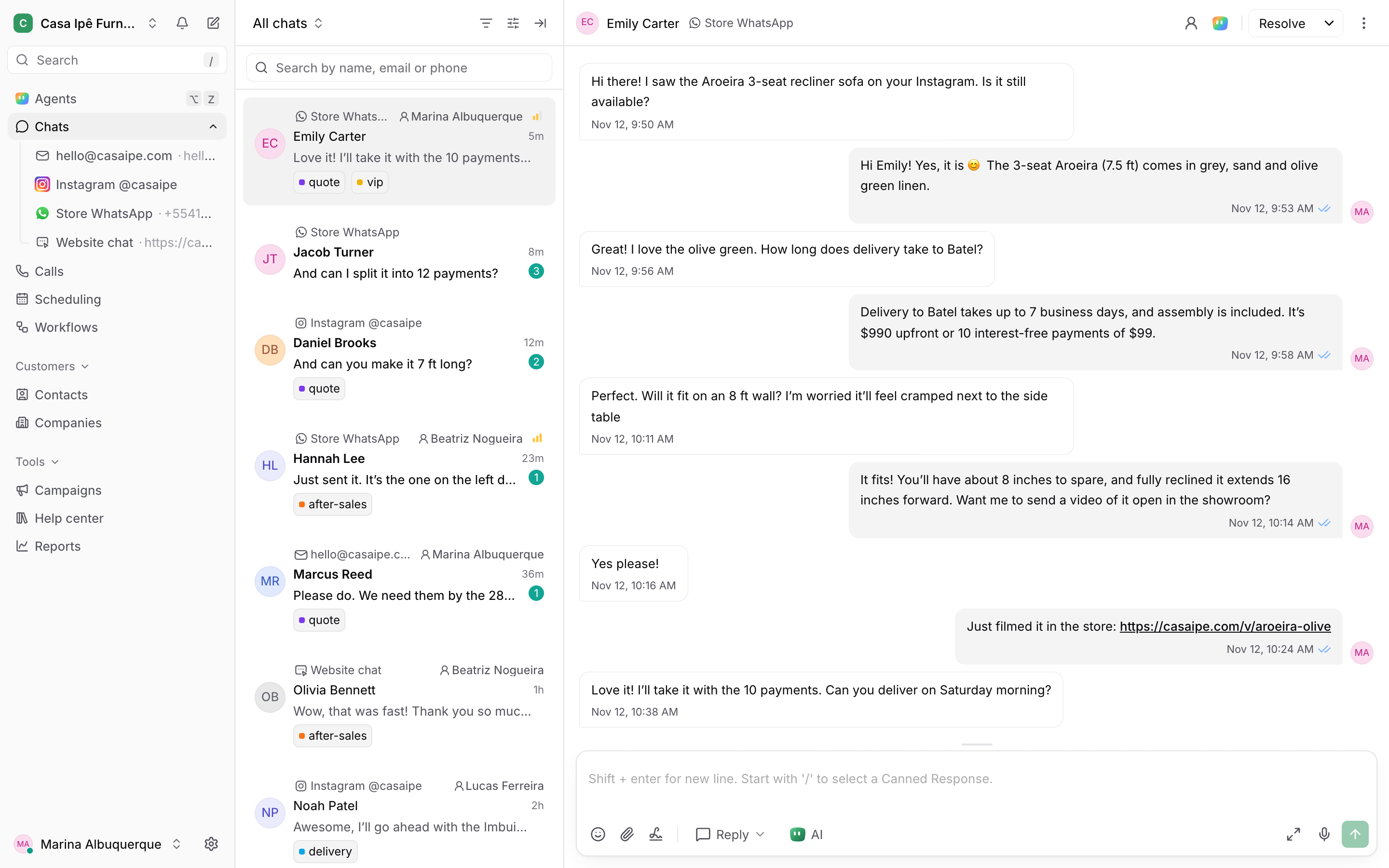
The customer’s history sits next to the conversation
See past conversations on WhatsApp, Instagram, Messenger, email and website chat without switching screens. Whoever takes over already has the context.
- Conversation history across every channel
- Contact linked to their company
- Custom attributes for contacts and conversations
Leave notes on the contact and in the conversation
Keep internal information on the contact profile and inside conversations, so the next person to help doesn’t have to ask everything again.
- Contact notes
- Private notes in conversations
- Mentions to bring a team member in
Find groups of customers in seconds
Filter contacts by labels and attributes and save the filter as a segment. For a campaign, pick the audience by contact labels.
- Saved segments and filters
- Labels and attributes
- Campaign audiences by label
Zailor comes with a lightweight CRM
The customer’s profile stays open next to the conversation.
- Contact profile Conversation history across every channel.
- Companies Contacts linked to their companies.
- Custom attributes For contacts and conversations.
- Segments and filters Find groups of contacts.
- Import Bring your contacts from other tools.
- Notes Internal information on contact and company profiles.
- Search Find contacts, conversations and messages.
- Campaign audiences Picked by contact labels.
-
Do I need a separate CRM to use Zailor?
No. Zailor includes a lightweight contacts and companies CRM, with conversation history, custom attributes, segments and notes.
-
Can I bring my contacts over from another tool?
Yes. You can import your contacts from other tools into Zailor.
-
What are custom attributes?
Fields you create to store information specific to your business on contacts and conversations. You can also use them to filter and segment.
-
Can I see all of a customer’s conversations together?
Yes. The contact profile shows conversation history across every channel.
Keep exploring
See an agent answer your WhatsApp
Book a demo and our team will show you Zailor working with your channels.
Already have an account? Log in