Talk to the people on your website right now
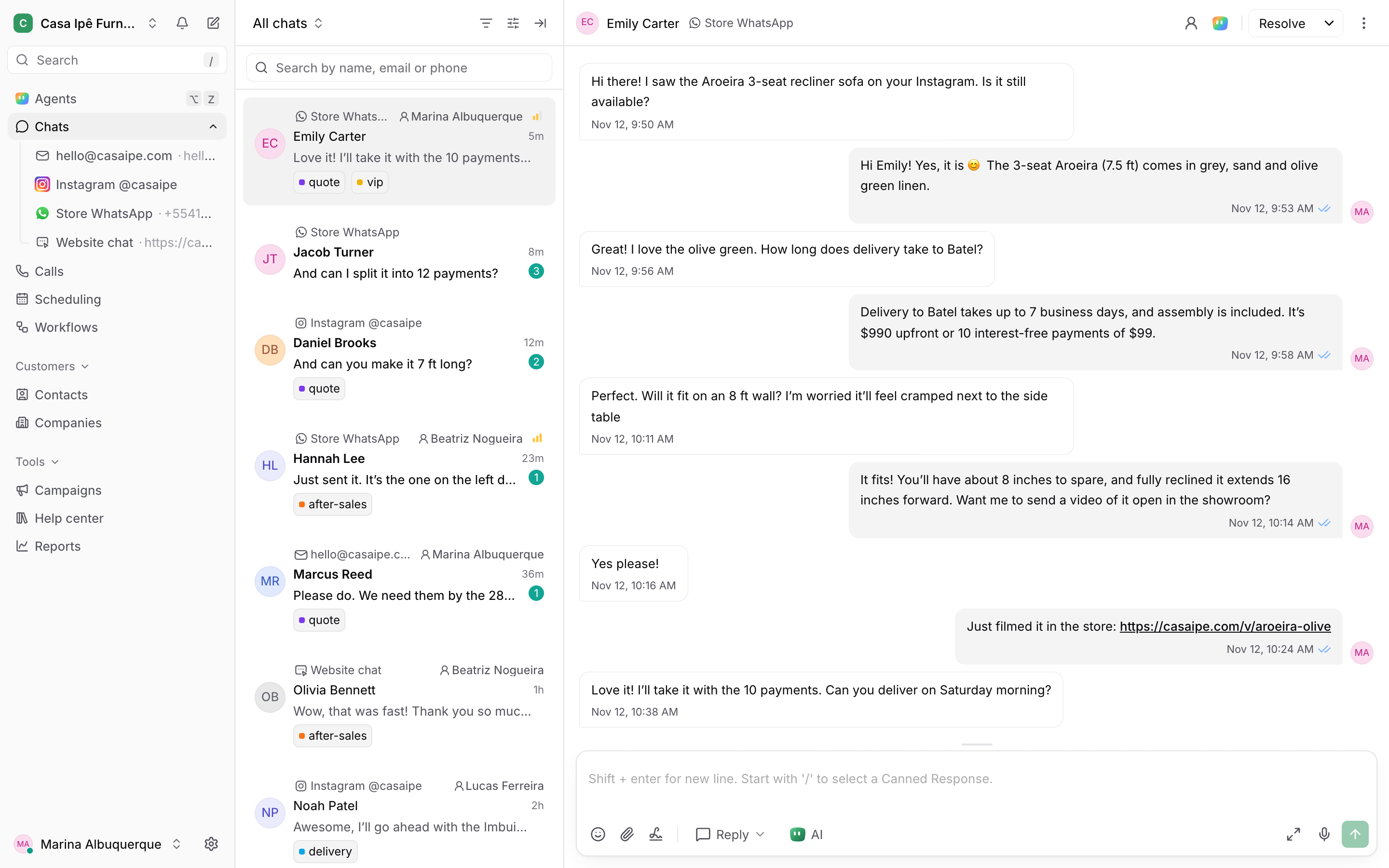
A lightweight widget you set to your brand’s colors and hours. Conversations land in the same inbox as WhatsApp and social.
-
On brand
Set the colors, greeting and hours for your business.
-
Known visitors
Know who you’re talking to, with their history at hand.
-
Same inbox
Website chat sits next to your other channels.
Set up the widget to match your brand
Customize the widget’s colors, greeting and hours. After hours, visitors get an automatic message letting them know.
- Your brand’s colors and greeting
- Business hours
- Visitor identification
Articles and AI answer before your team
The chat shows help center articles and an AI agent answers common questions. When a person is needed, the conversation goes to your team with the history.
- Help center articles in the chat
- An AI agent answers after hours
- Handoff to your team with the history
Send messages to people on your website
You can start the conversation too. Show a message to people who have been on a given page for a while, and get the replies in your inbox.
- Messages for website visitors
- By page and time on page
- Replies land in your inbox
Website chat joins your other channels
Conversations land in the same inbox as WhatsApp, Instagram, Messenger and email.
- Customizable widget Your brand’s colors, greeting and hours.
- Visitor identification Conversations linked to the contact profile.
- Business hours Automatic message outside working hours.
- Articles in chat Articles from your help center.
- AI agents Automatic answers to common questions.
- Website messages Reach people while they browse your site.
- Assignment Conversations shared across the team.
- Canned responses Shortcuts for your most used replies.
-
Can the chat match my brand?
Yes. You choose the widget’s colors, greeting and business hours.
-
What happens when someone writes after hours?
The chat sends an automatic out-of-office message. If an AI agent is on for that inbox, it can answer common questions.
-
Are chat conversations kept apart from other channels?
No. They land in the same inbox as WhatsApp, Instagram, Messenger and email, with the history on the contact profile.
-
Can the chat show help center articles?
Yes. Link a help center to the inbox and the website chat shows its articles.
Keep exploring
See an agent answer your WhatsApp
Book a demo and our team will show you Zailor working with your channels.
Already have an account? Log in